%20--%3e%3cdefs%3e%3cstyle%3e%20.st0%20{%20fill:%20%23ff1230;%20}%20.st1%20{%20fill:%20%23fff;%20}%20%3c/style%3e%3c/defs%3e%3cpath%20class='st0'%20d='M49.77,34.93l3.47-5.3,23.2-5.86,4.03-6.07-23.14,5.83,3.55-5.33,23.17-5.84,3.96-6.05-23.07,5.8,3.59-5.52-23.16,5.83,3.68-5.68-19.8,4.98c-2.49.63-4.65,2.16-6.07,4.3l-1.81,2.75,20-5.03c.7-.18,1.49-.1,1.75.21.21.25.09,1.12-.24,1.61l-1.85,2.7-19.34,4.87c-2.48.62-4.64,2.15-6.06,4.29l-1.82,2.75,20.12-5.04c.7-.18,1.53.11,1.64.48.09.31-.06,1.12-.4,1.6l-1.79,2.51-19.21,4.82c-2.51.63-4.69,2.19-6.11,4.36l-1.75,2.69,20.19-5.08c1.67-.25,1.96.77,1.1,2.08l-1.9,2.89,19.51-4.94c1.49-.38,2.88,0,1.87,1.62l-1.88,3.01,24.65-6.19,3.01-5.82-23.07,5.79ZM60.94,13.54c.53-.13,1.35.11,1.52.37.19.28-.02,1.14-.37,1.66l-1.73,2.56-22.57,5.67,3.51-5.31,19.64-4.95ZM30.19,35.24l3.49-5.33,19.75-4.95c1.34-.34,1.92.7,1.23,1.76l-1.83,2.83-22.65,5.7Z'/%3e%3cpath%20class='st1'%20d='M236.44,40.24l22.56-33.95h10.5l-22.56,33.95h-10.5Z'/%3e%3cpath%20class='st1'%20d='M368.54,15.18l5.9-8.88h-52.48l-5.64,8.49-3.45,5.19-5.01,7.54h0s40.4,0,40.4,0l-2.82,4.24h-72.13c-2.23,0-3.07-1.46-1.87-3.27l9.11-13.71h29.5l5.95-8.49h-40.31l-5.64,8.49-9.61,14.46c-.36.55-.67,1.08-.92,1.61-.15.31-.28.61-.39.9-1.52,4.06.3,7.25,4.69,8.2.48.1.99.18,1.54.23.44.04.9.06,1.38.06h85.14l8.46-12.73,5.24-7.89h-40.45l2.95-4.44h40.45Z'/%3e%3cpath%20class='st1'%20d='M198.16,6.32c-.19,0-.37-.03-.56-.03h-60.45l-37.03,26.63h-19.71l18.01-26.63h-10.5l-17.48,26.31c-2.17,3.27.17,7.64,4.09,7.64h28.01l37.22-25.46h6.27l-16.92,25.46h10.51l16.92-25.46h27.83l-.02.04h7.11c1.89.18,2.56,1.55,1.44,3.23l-1.3,1.96c-1.2,1.8-3.98,3.27-6.21,3.27h-25.26l-11.28,16.98h10.5l5.64-8.49h15.69c.48,0,.96-.02,1.45-.06.61-.05,1.22-.12,1.84-.23,5.65-.95,11.72-4.14,15.59-8.2.02-.02.04-.04.06-.06.74-.78,5.18-7.47,5.57-8.39h17.48l-16.94,25.49h10.51l16.94-25.49h14.98l5.65-8.5h-55.64Z'/%3e%3c/svg%3e)
Telemetry for people who never opened a graph: where to start
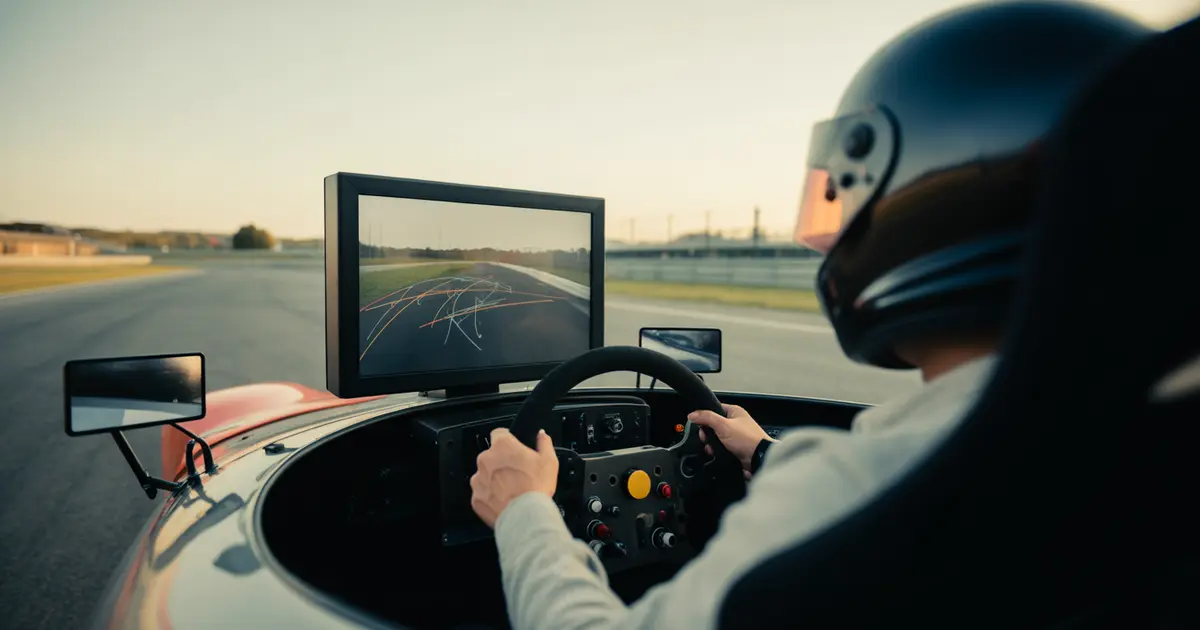
You don’t need to understand every telemetry channel to use telemetry. You need to know which graph to open first and what to do with it tomorrow.
Start with the time delta per corner, not the whole lap’s speed trace. It’s the only channel that tells you, without any interpretation, where you gain and where you lose time compared to another lap of your own.
Everything else — brake, throttle, steering — only matters afterward, to explain the reason for that delta in a specific corner. Opening everything at once is why telemetry feels complicated.
The first graph you should open
Pick two of your own laps, preferably from the same session: your best lap and an average lap. Don’t compare with another driver’s lap yet — their line, setup, and style change too many variables at once.
The delta graph shows where the line rises (you lost time there) and where it drops (you gained). Your task right now is simple: find the point where the line rises fastest. That’s the corner that matters today, not the entire lap.
The common mistake beginners make
People opening telemetry for the first time tend to try to read every channel at once, in every corner of the track. The result is a feeling of data overload and no practical decision.
The second mistake is comparing total lap time before comparing corner by corner. Two laps can have the same final time and completely different stories: one gained time on a straight and lost it in the next corner, the other did the opposite.
Step-by-step for your first analysis session
- Pick the right two laps: the best and an average one, from the same session, with roughly the same fuel and tire condition.
- Open the delta per corner, not the total: find the exact point where the time difference grows fastest.
- Isolate that corner alone: ignore the rest of the lap for now, even if other corners also show a difference.
- Overlay brake and throttle only there: check if the braking point changed, if the release was more abrupt, or if the throttle came back later.
- Go back to the car with a single goal: train that isolated corner, not the whole track again.
This cycle is more efficient than any full-lap analysis. One corner per training session is easier to fix than six corners at once.
Symptom on the clock, cause in the data
Before opening any channel, it helps to have a hypothesis. The table below crosses what you feel on the wheel with what usually shows up in the data.
| What you feel | What to check in the data |
|---|---|
| Car slides on exit | Throttle applied too early, or a wrong apex point before it |
| Losing time under braking | Late brake point or abrupt release instead of progressive |
| Stable delta, but slow | Car setup, not execution — worth reviewing setup, not driving |
| Inconsistency between laps | Variation in the brake point lap to lap, more than a line error |
When the symptom is brake modulation, how you release the pedal usually matters more than where you press it. This is detailed in how to release the brake in proportion to steering, and it’s a good second step after identifying the right corner.
This changes by car and by track
A GT3 with ABS tolerates a brake point error better than a formula car without ABS: the delta there tends to show up more on corner exit than on entry. In rear-wheel-drive cars without much electronics, the exit delta is usually the first place to look.
The track matters too. On long, constant-radius corners, the typical error is holding minimum speed too low for too long. On decreasing-radius corners, the typical error is the opposite: releasing the brake too early and having to correct mid-corner.
When the delta doesn’t point to anything obvious
Sometimes the two compared laps have a small delta everywhere, with no clear peak. In that case the problem isn’t one isolated corner — it’s consistency: you’re close to your own limit, but varying lap to lap.
This pattern is handled with a different method, focused on shrinking the gap between your best lap and your average lap, and it’s worth reading how to reduce the gap between your best lap and your average lap when that’s the case.
- 1Select laps
Best lap and average lap, same session.
- 2Look at delta per corner
Find the point where the difference grows fastest.
- 3Overlay brake and throttle
Only in the identified corner, not the whole lap.
- 4Train the isolated corner
Return to the car with a single goal for the next session.
Telemetry isn’t meant to prove you’re fast. It’s meant to point to the specific corner worth training tomorrow.
Where Laptics fits in
Laptics records telemetry on its own while you race — in iRacing, Assetto Corsa, and ACC directly on PC, and in Gran Turismo 7 and F1 25 over the network — with no manual file export. The analysis already compares your laps by corner phase and shows how much time each action cost, which skips the step of opening a raw graph without knowing where to look.
The Driver DNA points out patterns that repeat across sessions, useful exactly when the delta disappears and the problem is consistency. None of this replaces the work of sitting in the car and training the right corner — it just shortens the path to knowing which one it is.
Practical summary
- Start with the delta per corner: not the full speed graph or another driver’s entire lap.
- Pick one corner per training session: the one stealing the most time, not all of them at once.
- Separate symptom from cause: sliding on exit isn’t always a throttle problem — it can be a wrong apex before it.
- Consider the car and the track: the same symptom points to different causes depending on the corner type and the car’s electronics.
If you already run with captured telemetry but never knew where to start, the method above works with any tool. The practical difference is how long it takes you to find the right corner — and that’s where it’s worth trying an app that already organizes it by corner phase.
Frequently asked questions
Do I need to know how to read every telemetry channel to get started?
No. Start with just the time delta per corner and the brake/throttle overlay on the corner losing the most time. The other channels come later, as specific questions arise.
Should I compare my lap with another driver’s right from the start?
Better to wait. Comparing with yourself first isolates what’s driving style from what’s setup or line difference from another driver.
What should I do when the delta shows no clear peak?
That usually indicates inconsistency between laps, not an execution error at a single point. In that case the focus shifts to reducing lap-to-lap variation, not fixing one corner.
Does the same diagnosis apply to any car?
Not entirely. Cars with ABS tolerate brake point errors better and the delta tends to show up more on corner exit; cars without ABS usually expose the error already under braking.
How much time can I gain by analyzing telemetry this way?
It depends on the car, the track, and how much delta already exists between your laps. It’s not possible to give a fixed number without that data.
Does Laptics require me to manually export the telemetry file?
No. Capture happens automatically while you race, and the data uploads on its own for analysis.
Do I need to analyze the whole track in every session?
Not recommended. Focusing on one corner per training session usually brings clearer results than trying to fix the whole track at once.
Want to see this in your own telemetry?
I want to try Laptics